The running app for beginners
From zero to 5K. At your pace.
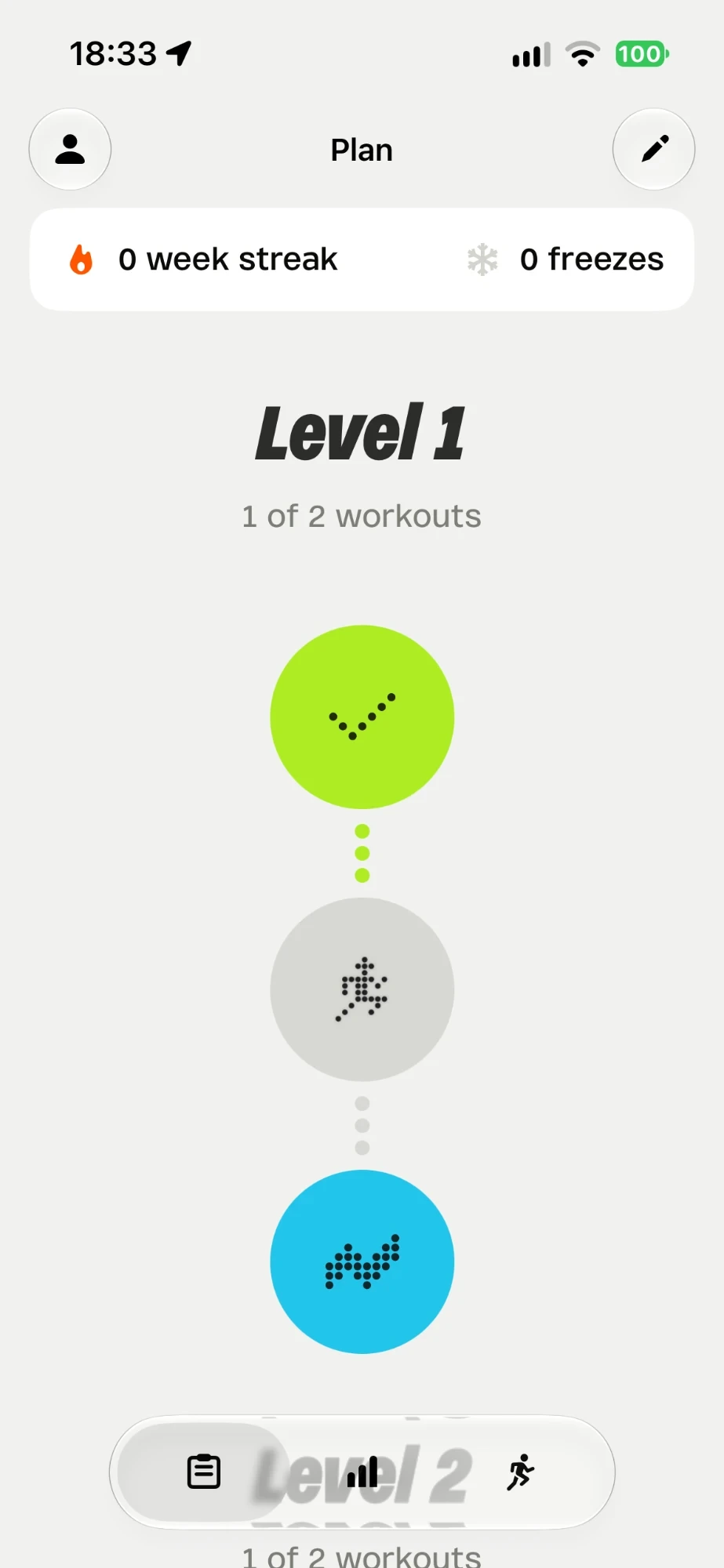
Run tracks your runs and builds a plan from zero to 5K or 10K. It adapts every week to how you feel, so you get there without getting hurt.
- 4.8★4,800+ ratings
- 12,000+people started running
- 19levels from walk to 60 min
- 13languages
Three steps.
No guesswork.
- 1
Tell Run where you are
Five questions: how much you can run today, your age, any injuries, how many days a week. Run picks your first level.
- 2
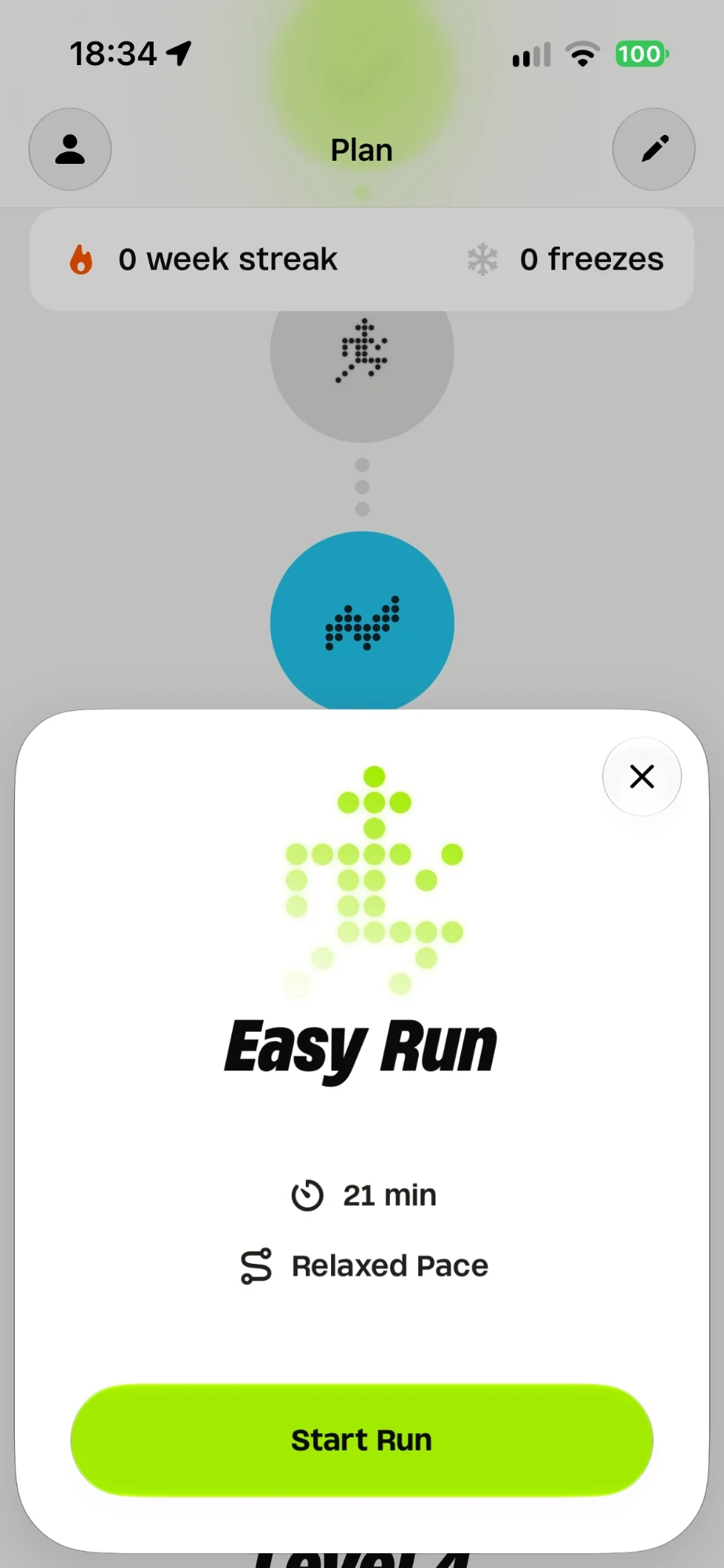
Run, walk, repeat
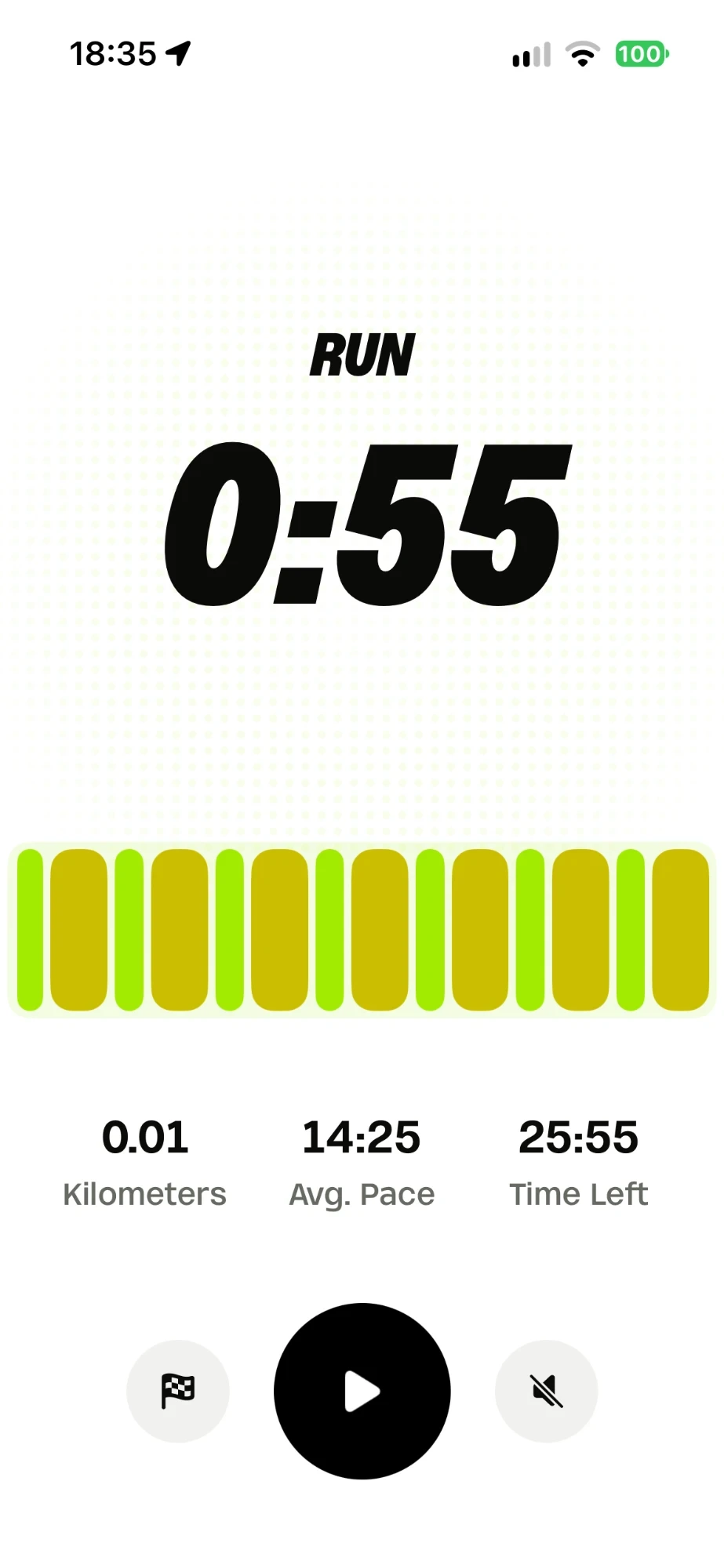
Press start. A voice tells you when to run and when to walk. Your first runs are one minute running, two walking.
- 3
Say how it felt
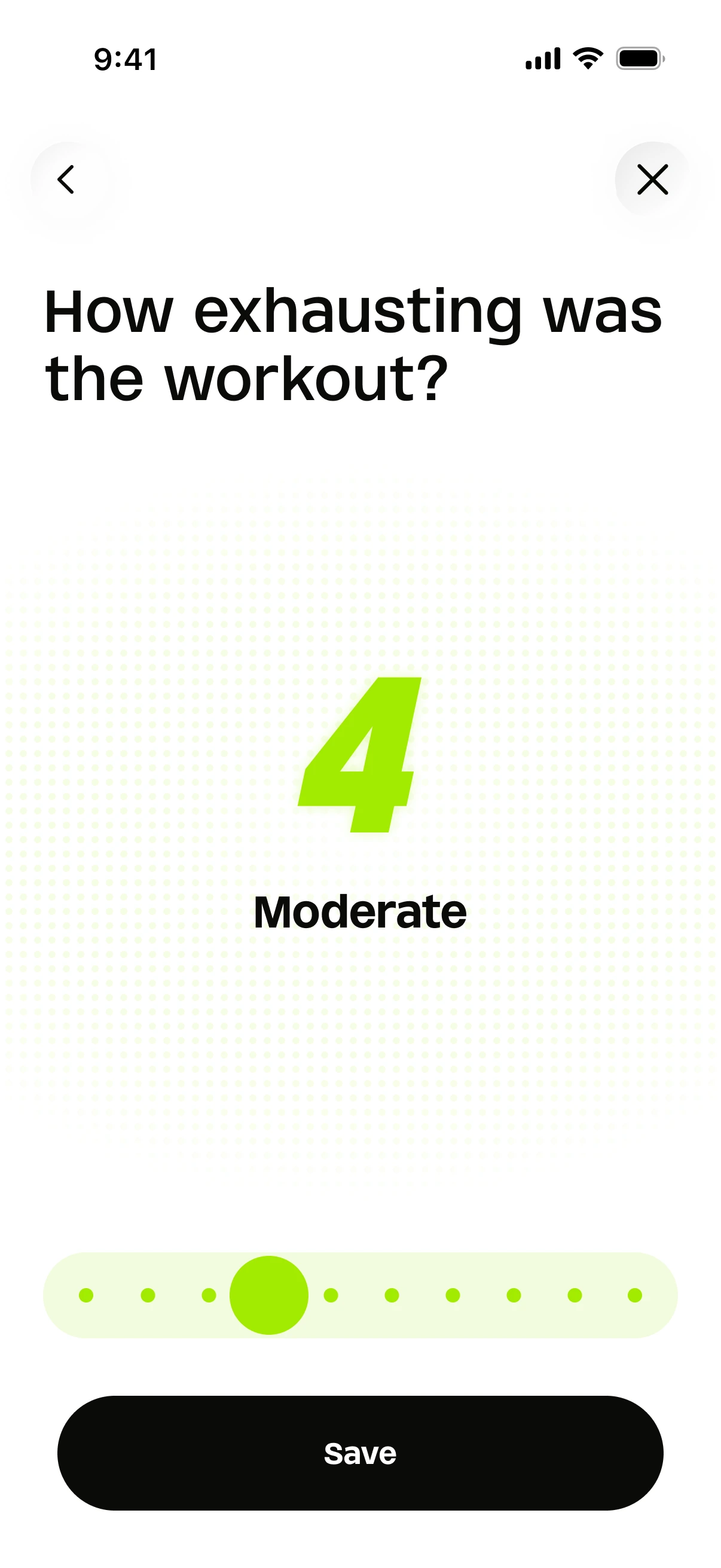
Rate each run from 1 to 10. Too hard? The next one gets lighter. Feeling good? You move up. That’s the whole trick.
One minute today. Sixty soon.
The plan is a ladder of 19 levels. At the bottom you run 1 minute and walk 2, seven times. At level 12 you run 25 minutes non-stop: that’s your 5K. At the top you run 60 minutes: that’s 10K. You climb only when your body says yes.
How the plan works| Level | Workout |
|---|---|
| 1 | Run 1 min, walk 2 min × 7 |
| 2 | Run 2 min, walk 2 min × 6 |
| 3 | Run 3 min, walk 2 min × 6 |
| 4 | Run 4 min, walk 2 min × 5 |
| 5 | Run 5 min, walk 2 min × 4 |
| 6 | Run 5 min, walk 1 min × 5 |
| 7 | Run 8 min, walk 2 min × 3 |
| 8 | Run 10 min, walk 1 min × 3 |
| 9 | Run 12 min, walk 1 min × 3 |
| 10 | Run 15 min, walk 1 min × 2 |
| 11 | Run 20 min non-stop |
| 12 | Run 25 min non-stop |
| 13 | Run 30 min non-stop |
| 14 | Run 35 min non-stop |
| 15 | Run 40 min non-stop |
| 16 | Run 45 min non-stop |
| 17 | Run 50 min non-stop |
| 18 | Run 55 min non-stop |
| 19 | Run 60 min non-stop |
Track every run
GPS, a live map and a voice coach that tells you when to run, when to walk and how you’re doing. Then every number, every streak, every badge.
Run tracking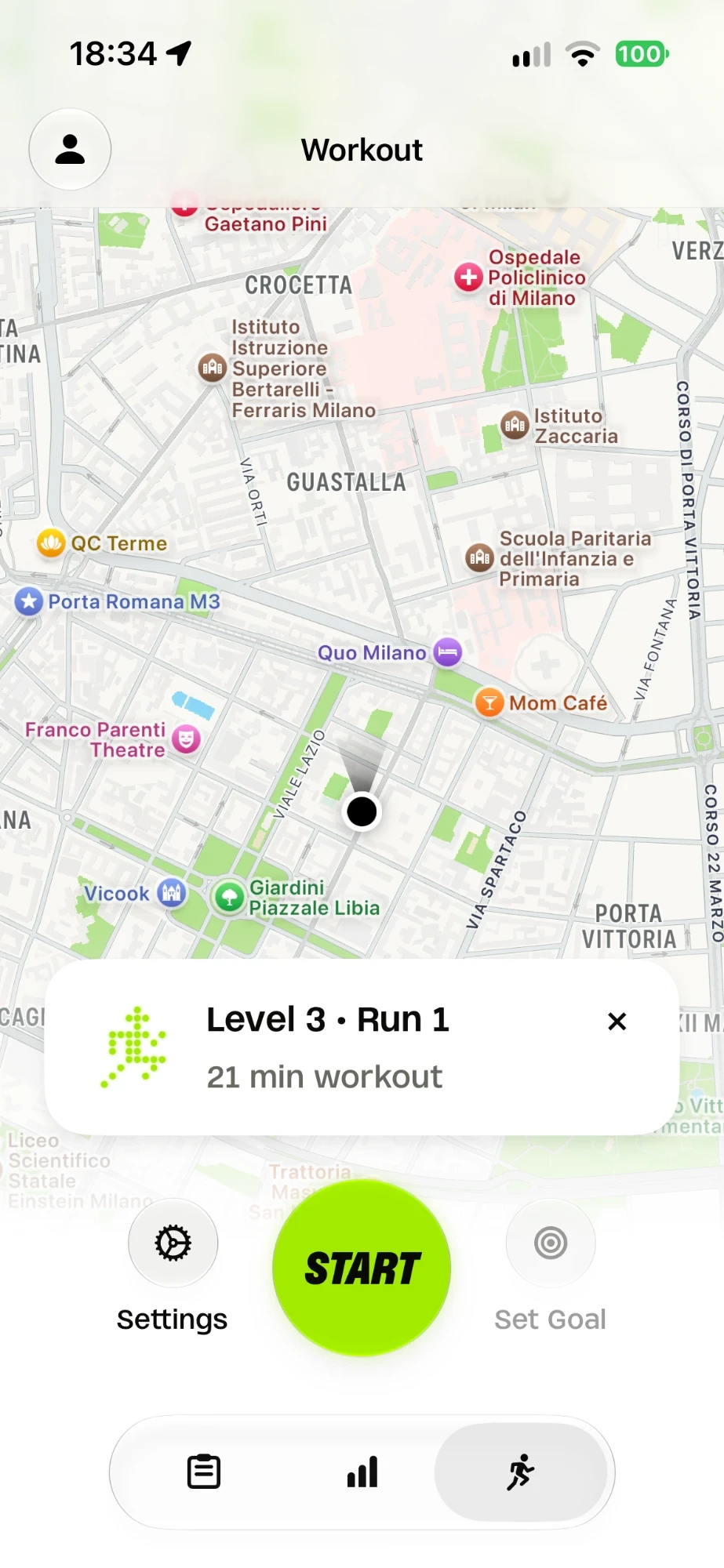
Everything a new runner needs
A plan that listens
From zero to 5K or 10K with walk/run intervals that grow at the pace your body sets.
Run tracking
GPS tracking that stays out of the way while you run.
Apple Watch
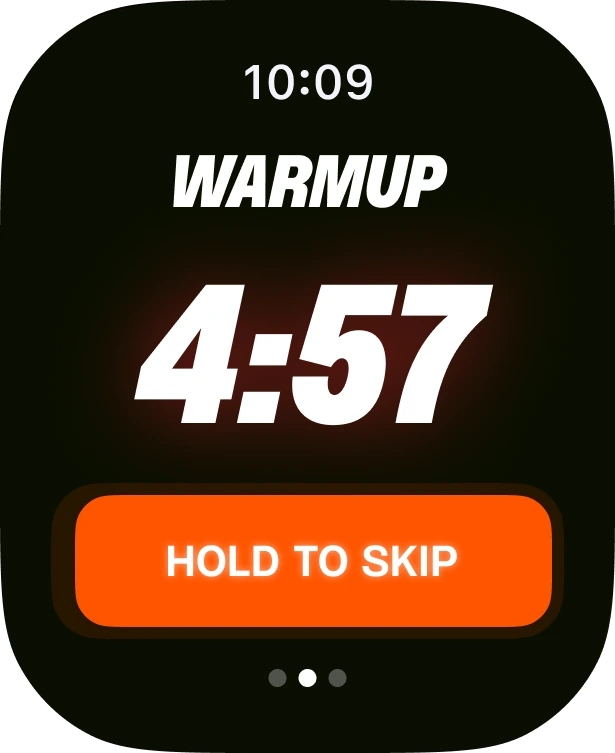
The watch guides the run, the phone stays in your pocket.
Progress you can see
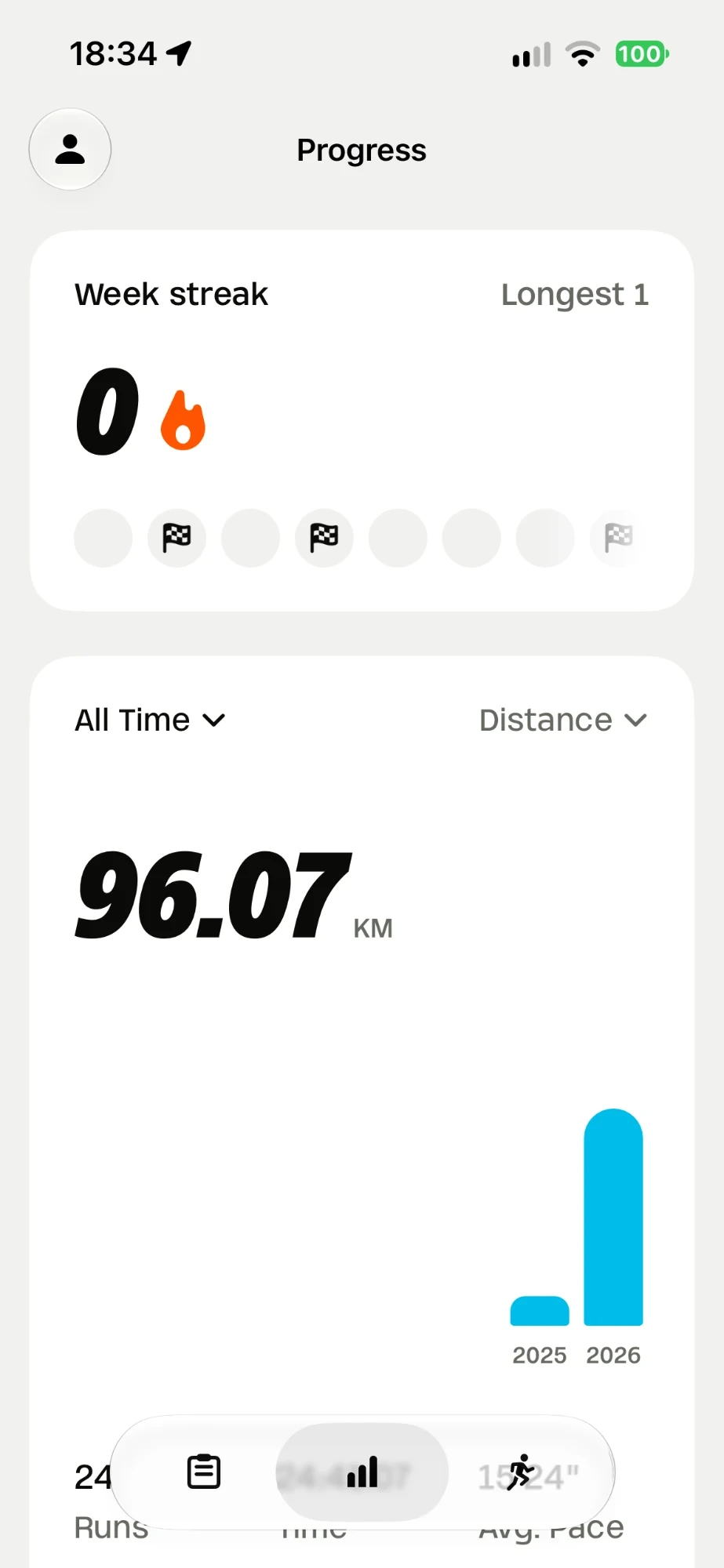
Stats, levels and streaks that make the next run easier to start.
And everything around the run
The small things that make Run feel like yours.
See every feature
Your plan on Apple Watch
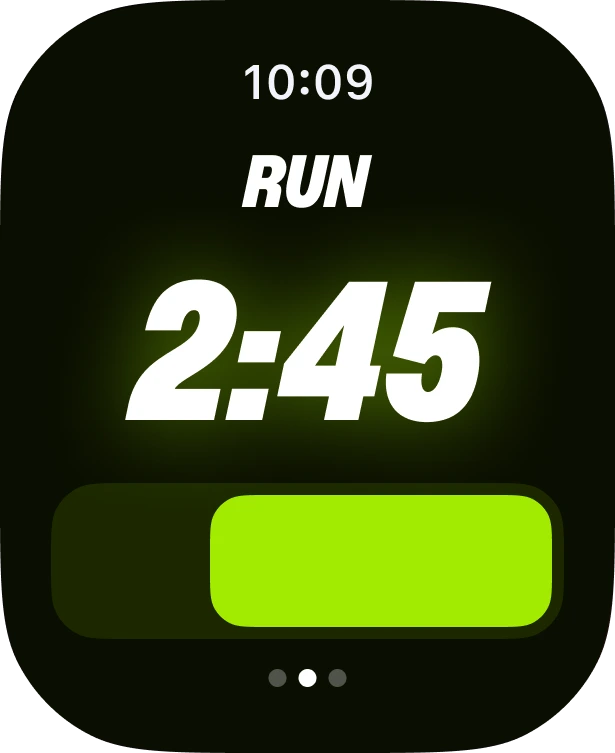
The watch taps your wrist when it’s time to run and time to walk. Leave the phone in your pocket and just follow it.
Warm-up Run 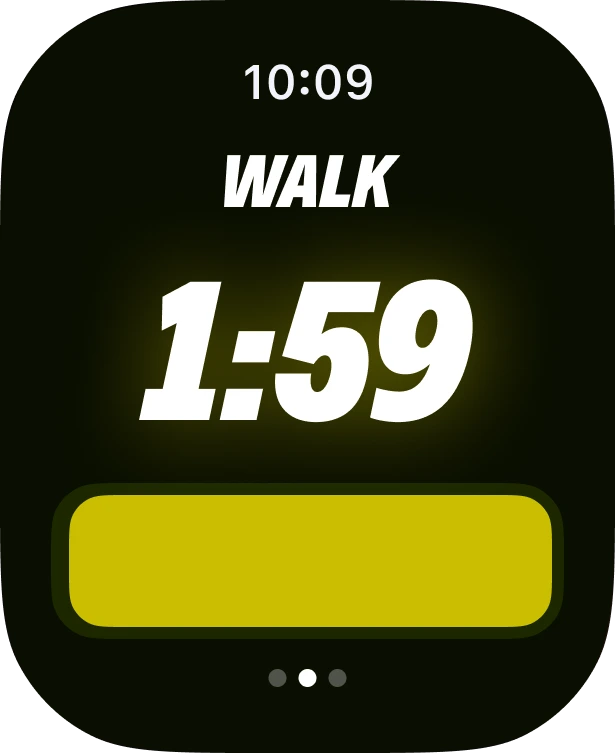
Walk 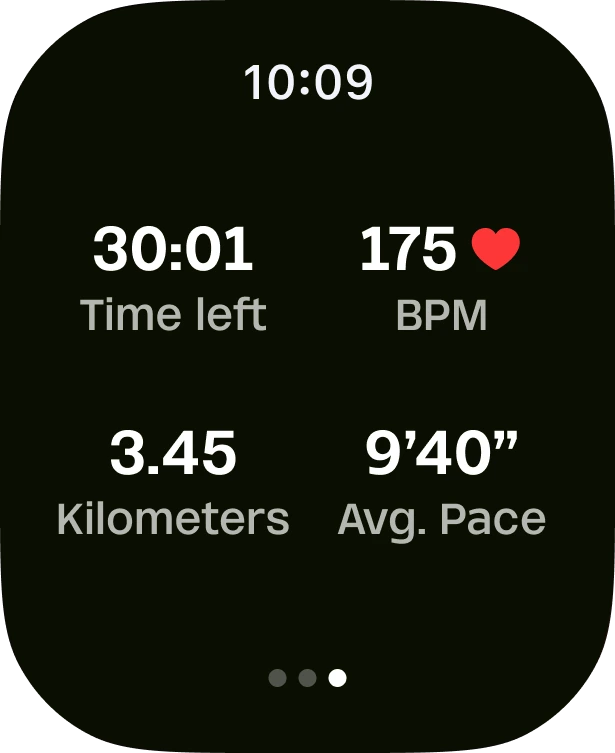
Your numbers 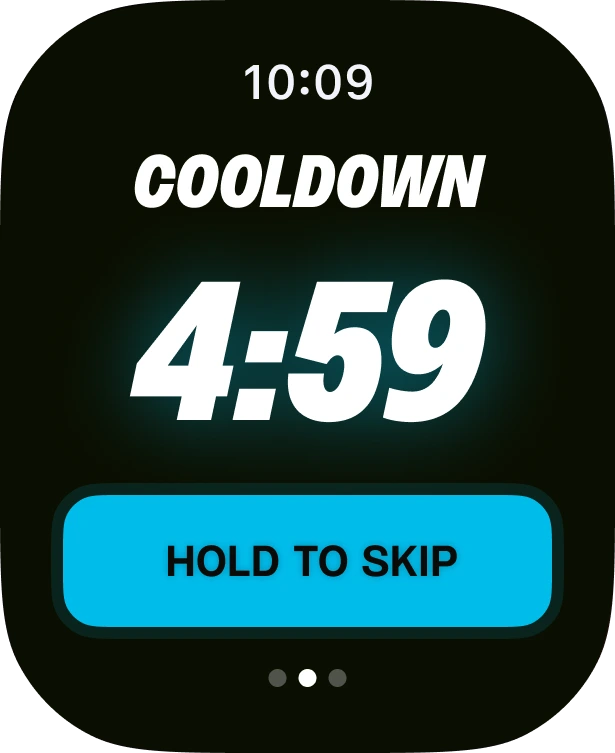
Cool-down 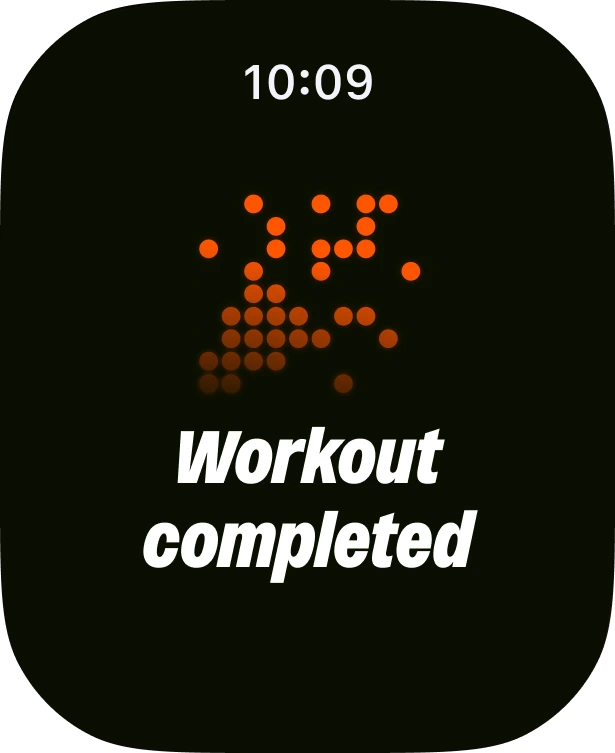
Done 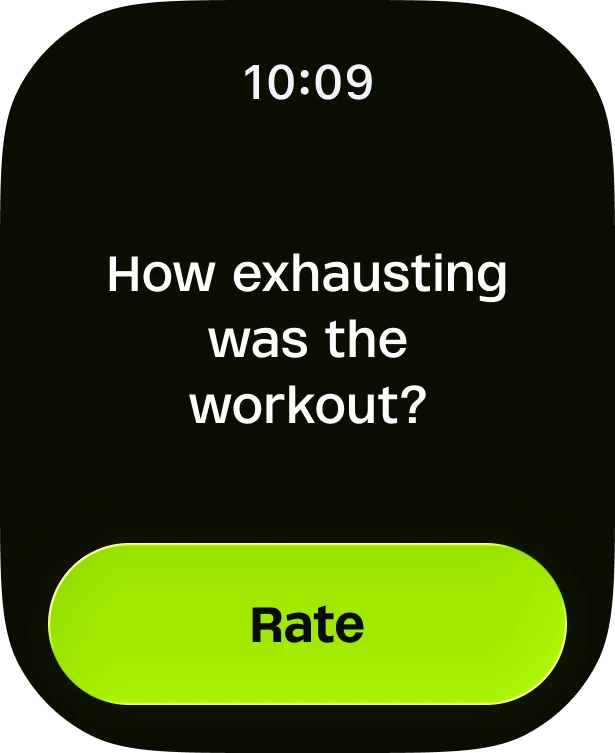
How did it feel? 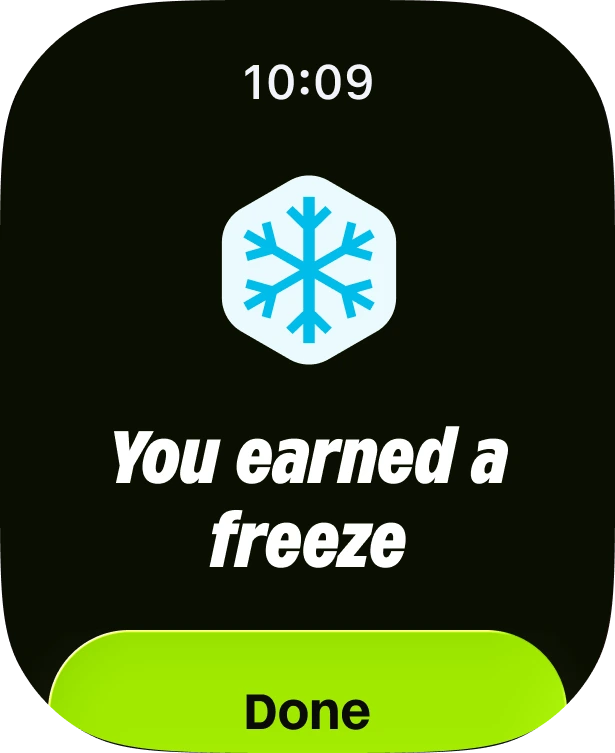
Streak freezes 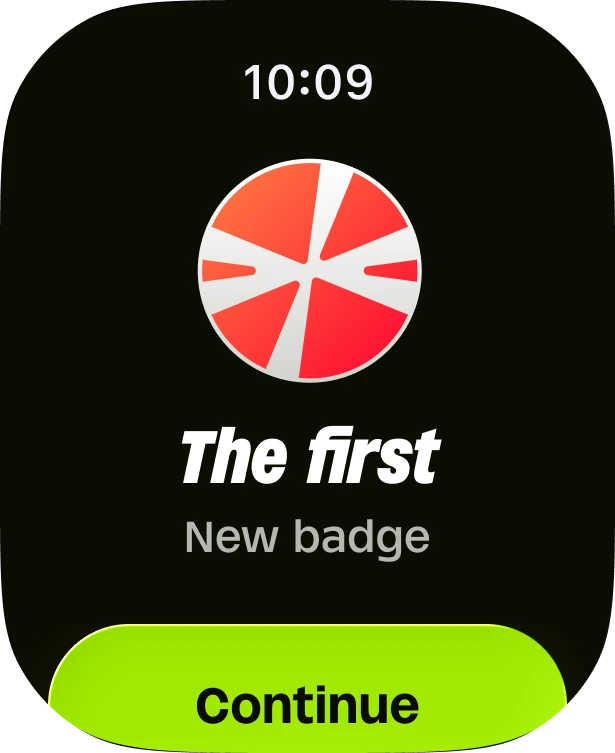
Badges
Made for you if…
Run is for beginners and people coming back. If you already train for a marathon, it’s not for you, and that’s fine.
- You have never run, or not since school
- You start, stop after two weeks, and start again
- You are coming back after a long break
- You are over 40 and want to start gently
- You want a 5K or 10K without hurting your knees
- You want a plan, not a stopwatch
Pick your goal
Free running tools
- Running plan generatorAnswer five questions and get your first week of walk/run workouts.
- Pace calculatorWork out your pace, finish time or distance, in km and miles.
- Race time predictorPredict your 5K, 10K, half marathon and marathon times from one race.
- Heart rate zonesYour five heart rate zones, and the easy zone 2 pace to run in.
- Calories burned runningHow many calories a run burns, from your weight, distance and pace.
- Treadmill pace converterTurn treadmill speed into pace per km or mile, and back.
Questions, answered
What is Run?
Run is a running app for iPhone and Apple Watch. It tracks your runs and builds a beginner plan that takes you from zero to 5K or 10K with walk/run intervals. The plan adapts every week to how you feel, so you keep improving without getting hurt. On the App Store it is called “RUN — Running Club & Tracker”.
Is Run good for beginners?
Yes, it is made for them. You can start even if you can only walk 30 minutes: the first workouts are one minute of running and two of walking. The app tells you when to run and when to walk, out loud, so you never have to look at your phone.
How does the Run plan work?
You answer a few questions (how much you can run today, your age, any injuries, how many days a week you can train) and Run picks your starting level on a 19-level walk/run ladder. Each week has 2 or 3 runs: an Easy Run, a Recovery Run and a Challenge Run. After every run you rate how tired you feel, and at the end of the week how much anything hurts. Run uses those answers to move you up, keep you at the same level, or make the next week easier.
How long does it take to run 5K with Run?
Most beginners reach 25 minutes of running non-stop, the 5K goal, in about 8 to 16 weeks. It depends on where you start, how often you run and how your body responds: the app shows your own estimate when it creates your plan. Try the free plan generator to see yours.
Is Run free?
Run is free to download, and tracking your runs is free forever. Your first plan workout is free too. The rest of the plan is part of Run Premium, an optional subscription: the price is shown in the app before you subscribe, and you can cancel any time from your Apple ID settings.
Is Run the same as Couch to 5K?
No. Couch to 5K is a fixed 9-week schedule that is the same for everyone. Run also uses walk/run intervals, but it chooses your starting point and changes every week based on how tired you feel and any pain, so the plan fits you instead of the calendar. See Run vs Couch to 5K.
Does Run work on Apple Watch?
Yes. Start a free run or your plan run from the watch: it guides your walk and run intervals with haptics and voice, shows your heart rate live, and asks how tired you feel at the end. Complications show your week, month and year on the watch face.
Your first run starts here
A plan from zero to 5K or 10K that adapts every week to how you feel. Free on iPhone and Apple Watch.
Download on the App Store